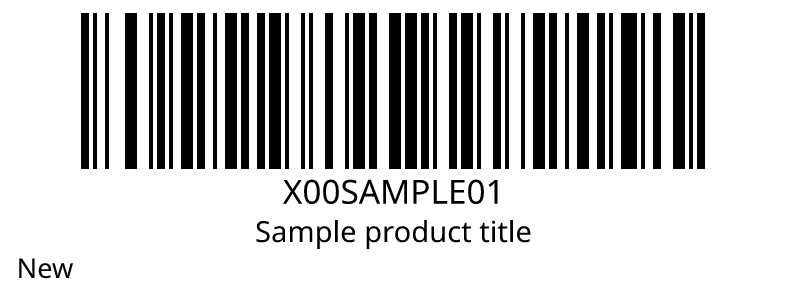

In a spreadsheet
One formula in Excel or Google Sheets, with your picture key in Z1. No add-in and no script.
=IMAGE("https://beepable.app/i/auto.png?v="&ENCODEURL(A2)&"&k="&$Z$1)Type a GTIN or a URL. Get an image address that works in any sheet, file, or page.
A valid GTIN becomes a retail barcode. A URL becomes a QR code. For a SKU or other text, choose a symbology.
One formula in Excel or Google Sheets, with your picture key in Z1. No add-in and no script.
=IMAGE("https://beepable.app/i/auto.png?v="&ENCODEURL(A2)&"&k="&$Z$1)Upload a catalog. Get it back with an image address on every row.
JSON for one value, or a batch of up to 10,000.
GET /b/auto.json?v=4006381333931

{
  "ok": true,
  "symbology": "ean13",
  "digitalLink": false,
  "imageUrl": "https://beepable.app/b/ean13.png?v=4006381333931"
}